CMA Client Portal
Multi-tenant operations platform
“Tenant isolation belongs in the database, not in the application code that happens to be asking.”
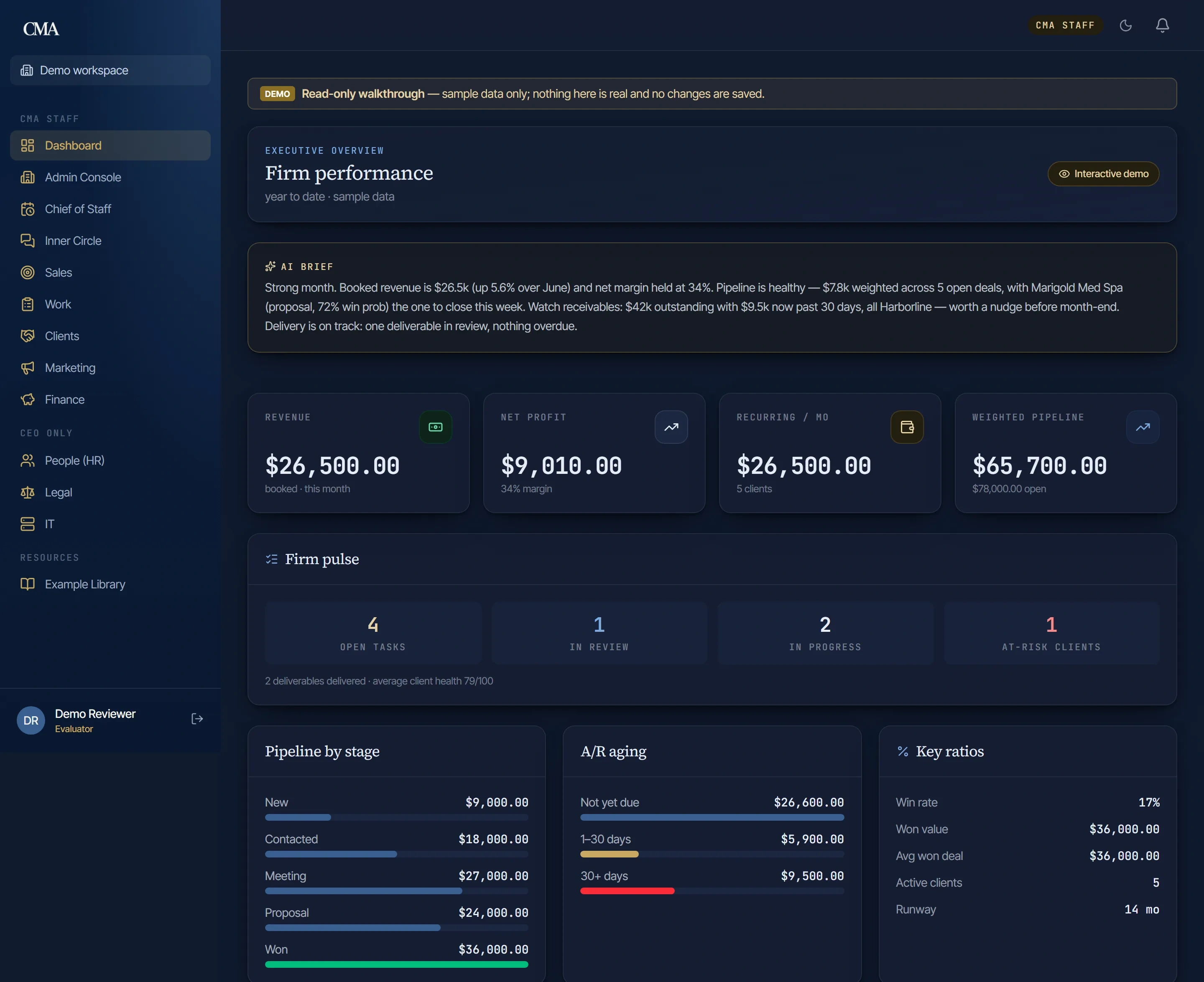
We didn’t integrate a few tools — we built the platform. The CMA Client Portal is the system our own clients log into: it runs scheduling and booking, automates lead intake and routing, syncs invoicing and payments with QuickBooks, and gives every client a live view of their engagement. Built, run, and improved entirely in-house — the same execution we bring to your business.
Private client application — we walk you through it live rather than handing out a sign-in.
184 pages
client, admin and finance surfaces
358 policies
row-level security, across 207 migrations
3,167 tests
across 217 files
37 jobs
scheduled work, running every day
The Problem
The firm ran on a stack of separate tools — scheduling in one, invoicing in another, documents in email — and every client question meant reassembling the answer by hand from three of them. Rather than integrate five products and inherit five roadmaps, CMA built the platform it now runs on.
How It Works
Start to finish.
- 01
Tenancy and access
Row-level security from the first migration. 358 policies decide what a row is allowed to show before any application code runs, so one client cannot read another’s data even if the query asked for it.
- 02
The client workspace
One private workspace per client: documents, real-time messaging with their advisor, engagements and deliverables, invoices, meeting requests, announcements, and their own team.
- 03
The firm side
A cross-client admin view CMA staff can switch into any workspace from, alongside the finance, pipeline and reporting surfaces the firm actually runs on.
- 04
The automation layer
Thirty-seven scheduled jobs carry the recurring work — QuickBooks sync, retainer billing, pipeline aging, follow-up autoclose, weekly digests and monthly executive reporting.
Inside The Product
QuickBooks-synced billing
Invoices and payments reconcile against QuickBooks on a daily sync instead of being re-keyed, so the figure a client sees is the figure in the books.
Real-time messaging
Client and advisor threads update live over Postgres realtime — no email round-trip, and no wondering whether a file arrived.
Separated storage
Private per-tenant document storage is a different bucket from the public asset one, so an uploaded contract cannot end up behind a shareable URL.
Scheduling inside the engagement
Booking, rescheduling and cancellation happen in the portal, which keeps the calendar attached to the engagement it belongs to.
Deliverables clients can see
Every deliverable is tracked against its engagement with status visible to the client, rather than reported when someone asks.
A brief a person signs off
A drafted narrative over the month’s revenue, margin, pipeline and receivables — automated to write, never automated to publish.
Screens
Inside CMA Client Portal.
Real screens from the running product. Open any one to inspect it full size.
Under The Hood
How it’s built.
The decisions that are load-bearing — the ones that decide whether this still works in three years, and the reason each was made.
- 01 The tenant boundary is in Postgres
- 358 row-level policies across 207 migrations. What a row is allowed to show is decided by the database before any application code asks, so a missing WHERE clause cannot leak one client into another.
- 02 Realtime rather than polling
- Client and advisor threads update over Postgres realtime. No refresh, no email round-trip, and no wondering whether a file arrived.
- 03 Two buckets, deliberately
- Private per-tenant documents live in a different storage bucket from public assets, so an uploaded contract cannot end up behind a shareable URL by configuration accident.
- 04 QuickBooks stays the book of record
- The portal reconciles to QBO on a daily cron instead of becoming a second ledger that disagrees with the first.
- 05 Automation is scheduled, not triggered by memory
- Thirty-seven cron jobs run the recurring work — QuickBooks sync, retainer billing, follow-up autoclose, weekly digests, monthly executive reporting.
- 06 3,167 tests across 217 files
- A platform the firm bills from cannot be verified by clicking around. The suite runs on every change, alongside types and lint.
What Changed
Before, and after.
Before
A client question answered by reassembling it from several tools.
After
One workspace per client, with the live view of their engagement already in it.
Before
Invoices re-keyed between the billing tool and the books.
After
A daily QuickBooks sync, so the figure a client sees is the figure in the books.
Before
Files, approvals and signatures living in email threads.
After
Per-tenant document storage with contracts and signature status attached to the engagement.
Before
Recurring work that happened when somebody remembered it.
After
Thirty-seven scheduled jobs carrying retainers, digests, pipeline aging and reporting.
Things We Have Built
More things we have built
Every one of these is live, and we designed and shipped all of it.
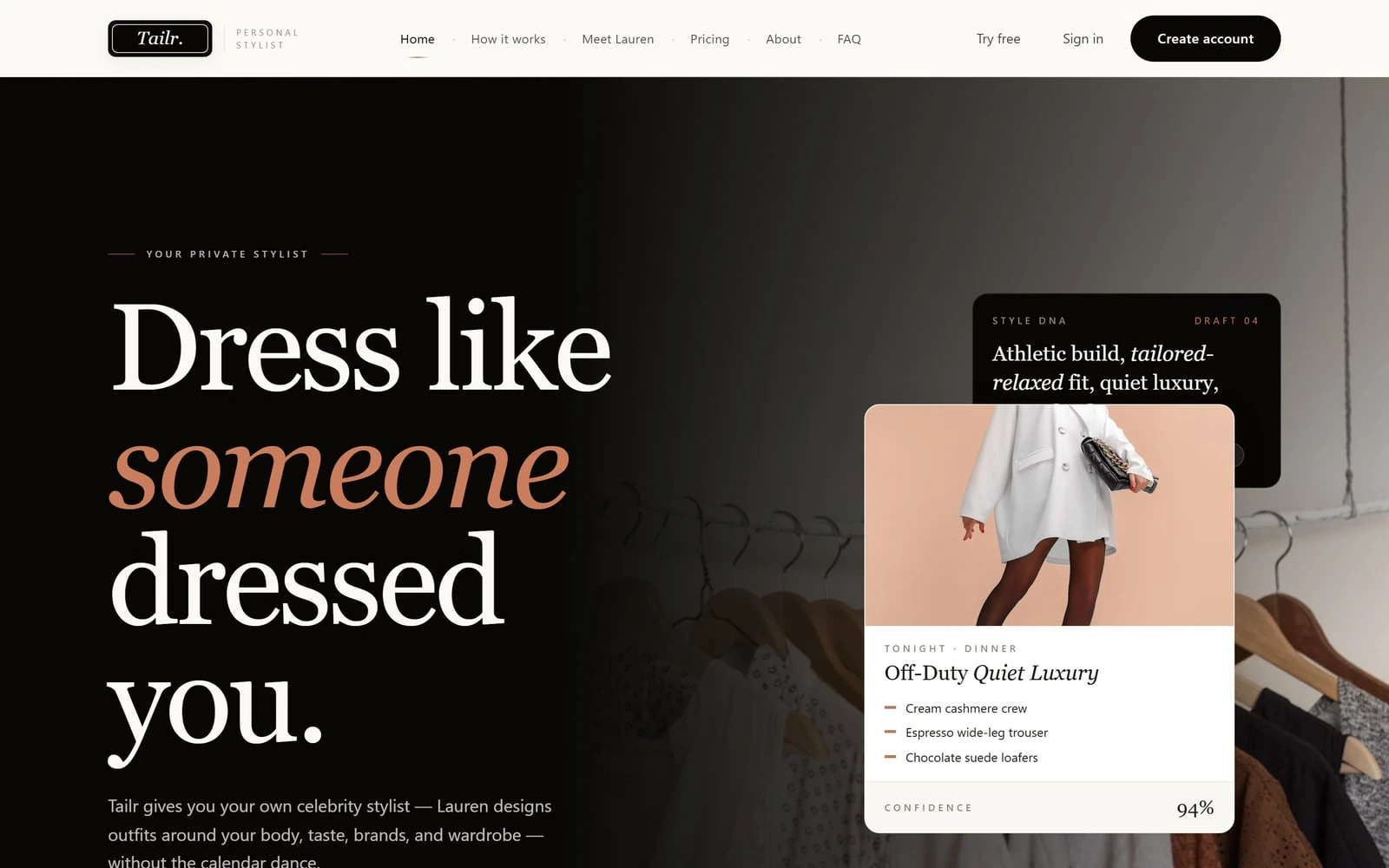
AI personal styling app
Tailr
CMA's own product
A consumer AI styling app — brand, marketing site, and product built end to end.
See how we built Tailr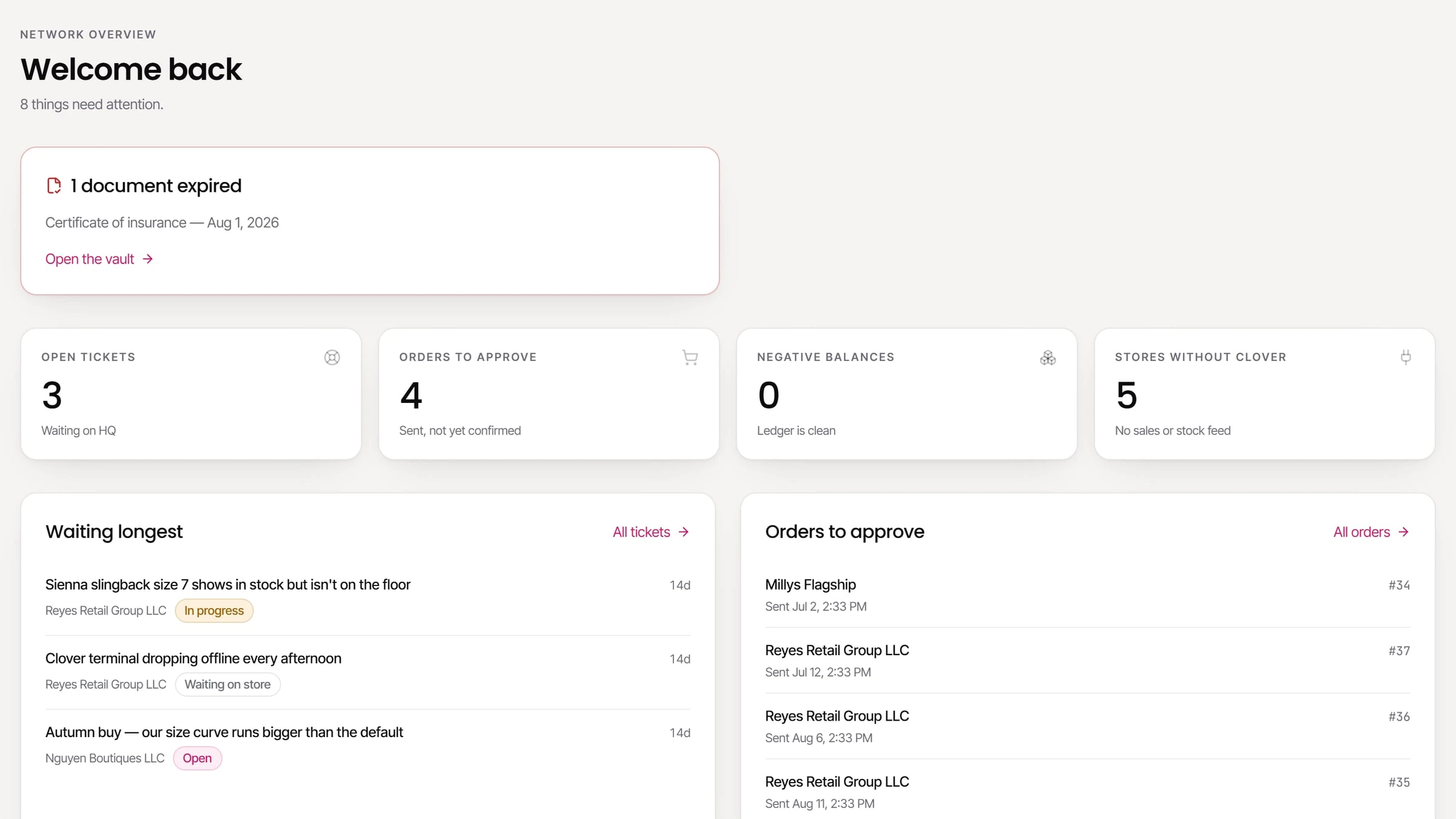
Franchise operating system
Milly's Franchise Portal
Built for Milly's — Rio Grande Valley, TX
A franchisor console, a franchisee portal and a warehouse ledger — the operating system behind a multi-store footwear franchise.
See how we built Milly's Franchise Portal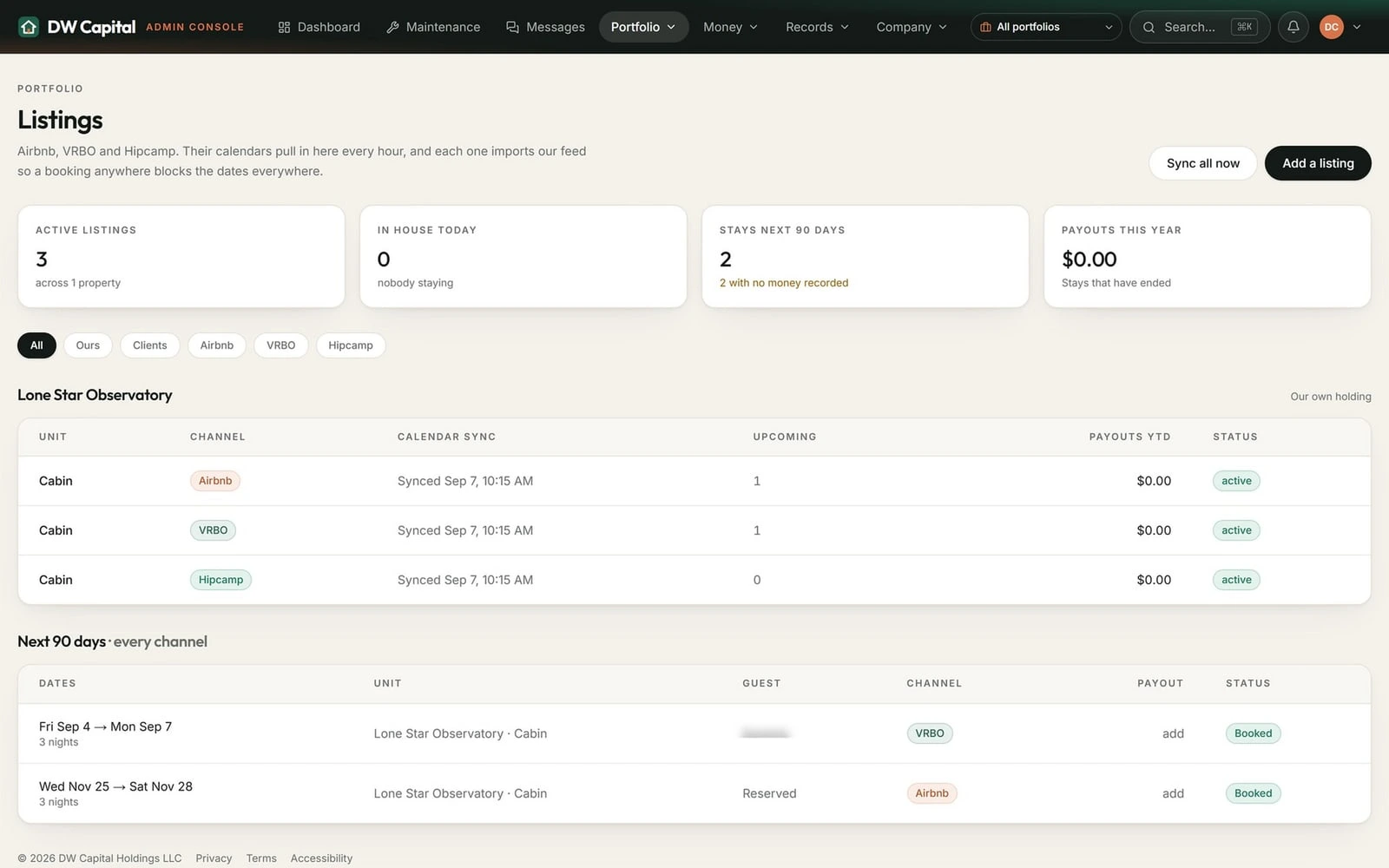
Property management platform
DW Capital Portal
Built for DW Capital Holdings
A property-management platform for long-term and short-term rentals: leases, rent and maintenance, channel calendars and owner statements.
See how we built DW Capital Portal